System.IO.Compression handles basic zip scenarios, but AES-256 encryption, self-extracting archives, tar/gzip support, and split archives require a commercial zip library. This article covers when the built-in class suffices and when Xceed Zip for .NET earns its place in your project.
The built-in WPF DataGrid handles simple binding well enough, but grouping, filtering, and real-time updates require serious plumbing. This guide shows you four binding patterns that actually work in production — with a runnable Xceed DataGrid demo on .NET 10.
WPF's built-in control library hasn't grown since 2010. Xceed Toolkit Plus for WPF delivers 103 controls — from DateTimePicker to PropertyGrid to a full docking framework — all running on .NET 10 with zero dependencies.
The built-in WPF DataGrid hasn't gained a single feature since 2010. Xceed DataGrid for WPF has been shipping updates for 19 years straight — and runs on .NET 10 today. Here's why it's still the best DataGrid for WPF in 2026.
The built-in WPF DataGrid handles the basics — sorting, binding, simple editing. But once you need master-detail, async virtualization, Excel export, or modern theming, you hit its limits fast. This article compares it to Xceed DataGrid for WPF with working code examples, a feature table, and practical gotchas from real usage.
In 2026, WPF remains the backbone for robust enterprise and line-of-business Windows applications. However, out-of-the-box WPF lacks modern controls, fresh themes, and true localization support. As a result, developers struggle with rigid MessageBox dialogs, dated UI, and time-consuming workarounds. Fortunately, Xceed Toolkit Plus for WPF solves these challenges by bringing 103+ essential controls, panels, and themes to your toolkit. This upgrade enables you to deliver next-generation Windows experiences that are beautiful, accessible, and global-ready.
.NET developer productivity tools are essential for teams aiming to deliver high-quality software quickly. Xceed’s suite of .NET developer productivity tools is engineered to accelerate your workflow, improve performance, and simplify complex tasks so you can focus on building great applications.
Delivering reliable .NET components isn’t just about writing great code—it’s about rigorous, repeatable testing. At Xceed, our quality assurance (QA) process is designed to ensure every release is stable, high-performing, and ready for production use. Here’s a transparent look at how we test our libraries and controls before they ever reach our customers.
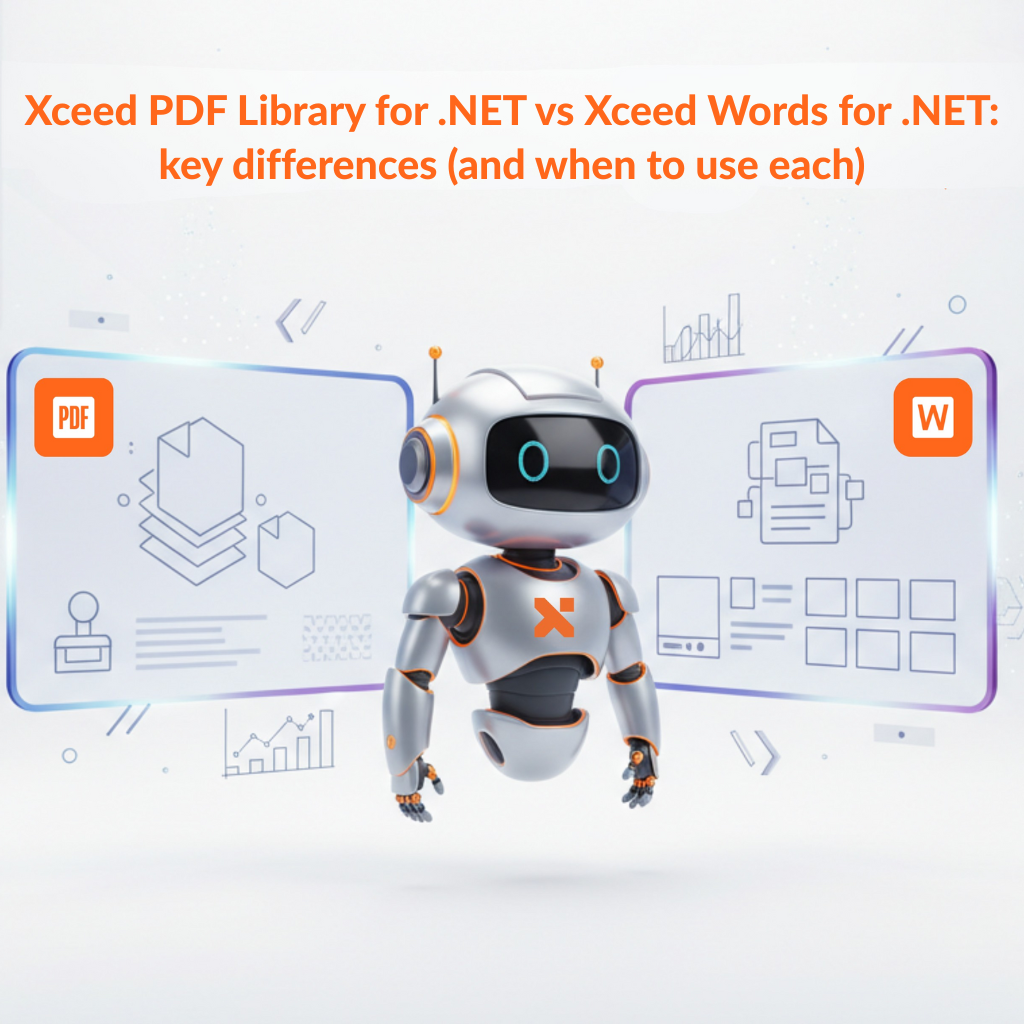
If you’re building .NET apps that generate, edit, or automate documents, it’s easy to lump “Word” and “PDF” into the same bucket. In practice, they solve different problems.
This post breaks down the practical differences between Xceed PDF Library for .NET and Xceed Words for .NET, so you can pick the right tool (or the right combo) for your workflow.
If you build .NET apps that need to output professional PDFs (invoices, reports, contracts, onboarding packets), you’ve probably felt the pain: heavy dependencies, awkward APIs, or “simple” libraries that get complicated the moment you need forms, signatures, or consistent typography.
Xceed PDF Library for .NET is a brand-new, lightweight way to build, edit, sign, and secure PDF documents directly from your .NET applications.
The concept is intentionally simple: an easy-to-use API that lets you add, modify, or extract elements to and from a PDF file without fighting the framework.