In 2026, WPF remains the backbone for robust enterprise and line-of-business Windows applications. However, out-of-the-box WPF lacks modern controls, fresh themes, and true localization support. As a result, developers struggle with rigid MessageBox dialogs, dated UI, and time-consuming workarounds. Fortunately, Xceed Toolkit Plus for WPF solves these challenges by bringing 103+ essential controls, panels, and themes to your toolkit. This upgrade enables you to deliver next-generation Windows experiences that are beautiful, accessible, and global-ready.
.NET developer productivity tools are essential for teams aiming to deliver high-quality software quickly. Xceed’s suite of .NET developer productivity tools is engineered to accelerate your workflow, improve performance, and simplify complex tasks so you can focus on building great applications.
Delivering reliable .NET components isn’t just about writing great code—it’s about rigorous, repeatable testing. At Xceed, our quality assurance (QA) process is designed to ensure every release is stable, high-performing, and ready for production use. Here’s a transparent look at how we test our libraries and controls before they ever reach our customers.
If you need to generate Excel files from a .NET app, the good news is you don’t need Microsoft Office installed on the server (and you generally shouldn’t automate Excel via COM anyway). The modern approach is to generate .xlsx files directly using a library that writes the Open XML format.
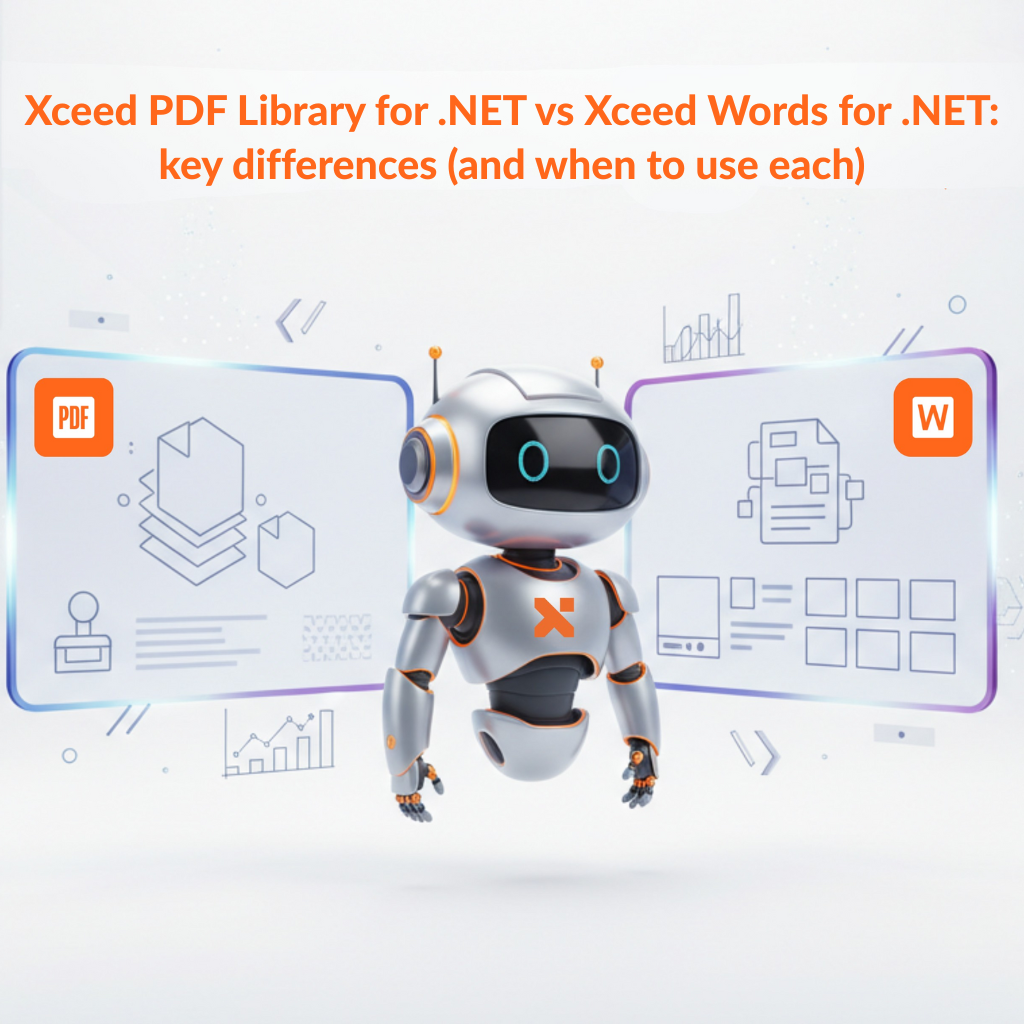
If you’re building .NET apps that generate, edit, or automate documents, it’s easy to lump “Word” and “PDF” into the same bucket. In practice, they solve different problems.
This post breaks down the practical differences between Xceed PDF Library for .NET and Xceed Words for .NET, so you can pick the right tool (or the right combo) for your workflow.
If you’re building .NET apps that need to generate, edit, or automate documents, you’ve probably felt the pain: Word templates that break, PDF workflows that turn into brittle hacks, and libraries that are either too limited or too heavy to ship.
PDF generation is one of those “looks easy, gets messy fast” features. In .NET 8, you can keep it clean by treating PDF creation like a pipeline (inputs → rendering → output) and using C# 12 primary constructors to reduce boilerplate without hiding architecture.
This guide shows a practical, production-friendly approach to PDF generation with a clean architecture mindset plus where primary constructors help (and where they don’t).
This guide shows a practical, production-friendly approach to PDF generation with a clean architecture mindset plus where primary constructors help (and where they don’t).
Christmas week has a funny rhythm for developers. Some teams are deep in release hardening, others are finally catching up on tech debt, and a few lucky folks are closing the laptop and actually taking a break.
From all of us at Xceed Software, Merry Christmas. And if you’re still shipping, supporting customers, or keeping production calm through the holidays: we see you.
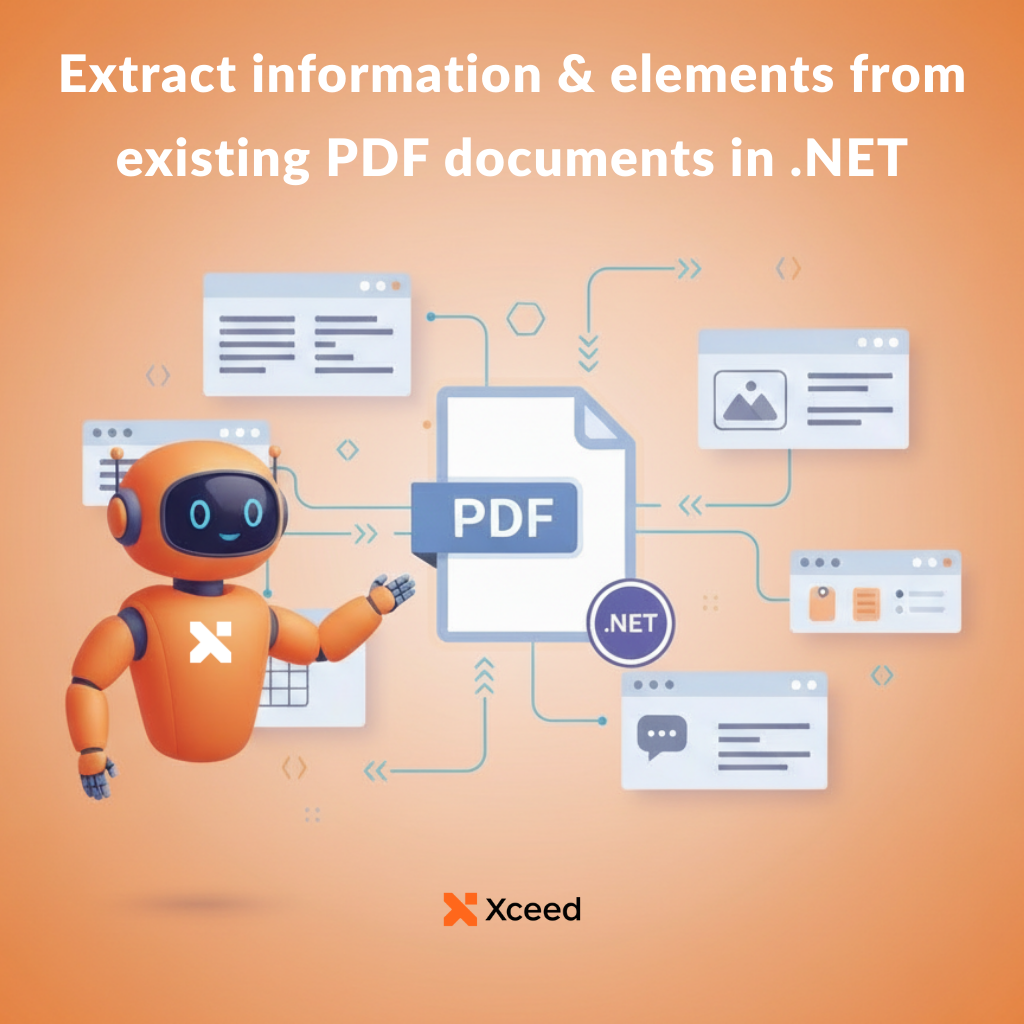
This guide walks through the extraction tasks most teams hit in production, the pitfalls to plan for, and a practical approach to implementing PDF extraction in a .NET app.
If you build .NET apps that need to output professional PDFs (invoices, reports, contracts, onboarding packets), you’ve probably felt the pain: heavy dependencies, awkward APIs, or “simple” libraries that get complicated the moment you need forms, signatures, or consistent typography.
Xceed PDF Library for .NET is a brand-new, lightweight way to build, edit, sign, and secure PDF documents directly from your .NET applications.
The concept is intentionally simple: an easy-to-use API that lets you add, modify, or extract elements to and from a PDF file without fighting the framework.
PDF Library for .Net is now out! Bundle it with Words for .Net for only 100$ for a limited time at checkout