
 EN VENTA
 Cree o modifique documentos de Microsoft Excel desde sus aplicaciones .NET, sin necesidad de tener instalado Excel u Office. Es un componente rápido y ligero, respaldado por un equipo de soporte y desarrollo receptivo cuya única ambición es su completa satisfacción.
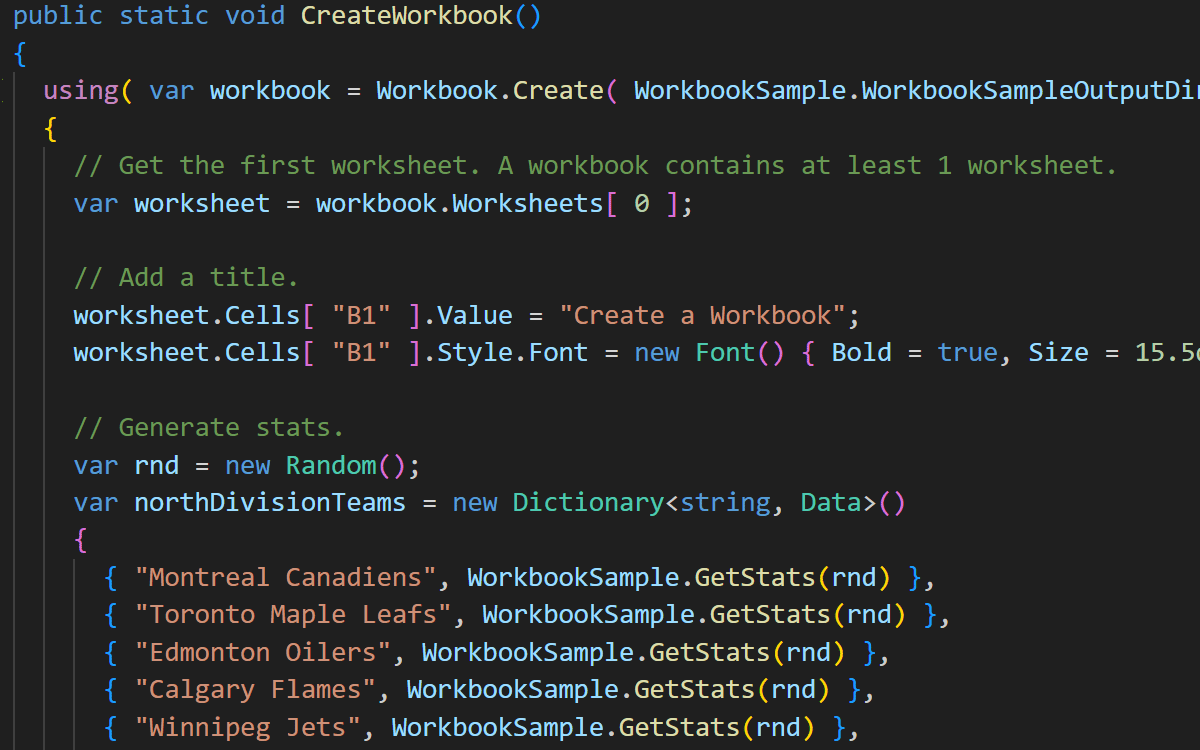



Xceed Workbooks for .NET is an Excel library for .NET that creates, reads and edits Microsoft Excel .xlsx files from C# and VB.NET code. It writes the Office Open XML format directly. Therefore it never needs Excel, Office or COM Interop on the machine that runs it. As a result, it works on web servers, inside Docker containers and in CI pipelines where installing Excel is not an option.
Want to see it run first? En live Xceed Workbooks for .NET demo opens in your browser, and the 45-day trial below needs no credit card.
The API mirrors the shape of an Excel workbook, so the code reads much like the document it produces. First you create a workbook, then you write values into cells, and finally you save. This example builds a small sales sheet, adds a real Excel table and calculates a formula.
using Xceed.Workbooks.NET;

// Apply your trial or purchased key once, at application startup.
Licenser.LicenseKey = "your-license-key";

using( var workbook = Workbook.Create( "SalesReport.xlsx" ) )
{
  var sheet = workbook.Worksheets[ 0 ];
  sheet.Name = "Q1 Sales";

  sheet.Cells[ "A1" ].Value = "Region";
  sheet.Cells[ "B1" ].Value = "Revenue";

  sheet.Cells[ "A2" ].Value = "North America";
  sheet.Cells[ "B2" ].Value = 128400d;
  sheet.Cells[ "A3" ].Value = "Europe";
  sheet.Cells[ "B3" ].Value = 96750d;

  sheet.Cells[ "A5" ].Value = "Total";
  sheet.Cells[ "B5" ].Formula = "=SUM(B2:B3)";

  // Turn the range into a genuine Excel table, not just formatted cells.
  sheet.Tables.Add( "SalesTable", "A1", "B3", TableStyle.TableStyleMedium9, true );

  workbook.CalculateFormulas();
  workbook.Save();
}
Reading an existing file follows the same pattern. You call Workbook.Load en lugar de Workbook.Create, change what you need, then call Guardar como to write a new copy. Because Workbook implements IDisposable, the using block closes the file for you.
Xceed Workbooks for .NET gives your application direct control over the contents of an .xlsx document. You can edit cell values, resize rows and columns, build formatted tables, and set formulas that the library then calculates. In addition, you can import collections straight into a worksheet with ImportData, add pictures and hyperlinks, and merge cell ranges.
Formatting works the same way. You can style cells, rows and columns with fonts, colours, alignments and number formats. Furthermore you can apply conditional formatting, add data validation rules, adjust the sheet view, and set the page layout for printing. Finally, you can protect a workbook or a single worksheet with a password.
Worksheet management is equally direct. You can add, insert, copy, move, hide or remove worksheets, and you can copy sheets between two different workbooks.
An Excel library for .NET can replace a reporting engine outright. Most reporting tools ask your team to learn a custom designer. Xceed Workbooks for .NET takes the opposite approach. Instead, you design the report in Excel, where your finance and operations colleagues already work, and then treat that file as a template.
At run time your code loads the template, fills in the data, recalculates the formulas and saves a copy per customer. Because the output is a normal .xlsx file, recipients open it in Excel, Google Sheets or LibreOffice without a viewer or a plugin. Teams commonly use this pattern for invoices, KPI dashboards, quarterly sales reports and data exports.
Before you pick an Excel library for .NET, check that it covers the frameworks you actually ship on. This one ships two builds in a single NuGet package, so the right assembly resolves automatically for your target framework.
| Objetivo | Soporte | Notas |
|---|---|---|
| .NET Framework 4.0 and up | Sí | Windows. Uses the net40 build. |
| .NET 5, 6, 7, 8 and 9 | Sí | Windows, Linux and macOS. Uses the net5.0 build. |
| ASP.NET and ASP.NET Core | Sí | Server-side generation needs no Office install. |
| Docker and Linux containers | Sí | Linux native drawing assets ship in the package. |
| C#, VB.NET and Managed C++ | Sí | CLS compliant, so every .NET language works. |
| Microsoft Excel installed | Not required | The library writes Open XML directly. |
Developers usually arrive here after hitting a wall with one of two alternatives. The table below sets out the practical differences.
| Approach | Needs Excel installed | Safe on a server | Commercial support |
|---|---|---|---|
| Xceed Workbooks para .NET | No | Sí | Yes, with a 1-year priority support subscription |
| Microsoft Excel COM Interop | Sí | No. Microsoft advises against server-side use | Through an Office licence only |
| Open-source .xlsx libraries | No | Sí | Community forums, with no service level |
Interop also routes every call through a desktop application, so throughput drops sharply under load. A managed Excel library for .NET avoids that bottleneck entirely, which keeps generation predictable on a busy server.
No. Xceed Workbooks for .NET writes the Office Open XML .xlsx format directly, so it needs no Excel installation, no Office licence and no COM Interop on the machine that runs your code. Consequently you can generate spreadsheets on a web server or inside a container.
The package targets .NET Framework 4.0 and up as well as .NET 5.0 and up, which covers .NET 5, 6, 7, 8 and 9. It also works with ASP.NET and ASP.NET Core, and it supports C#, VB.NET and Managed C++.
Yes, on .NET 5 and later. The package depends on Xceed.Drawing.NET, which ships SkiaSharp Linux native assets, so drawing and image support work inside Linux containers without extra system packages.
It does both. Call Workbook.Load to open an existing .xlsx file, modify cells, tables, formulas or formatting, then call Save or SaveAs. Many teams use this to populate a spreadsheet that a colleague designed in Excel.
Yes. You assign a formula through the Formula property on a cell, then call CalculateFormulas on the workbook or the worksheet. The library evaluates the supported formulas and stores the results in the saved file.
A free 45-day trial is available and needs no credit card. Paid subscriptions begin with the Small Business licence for companies under 1 million USD in annual revenue, followed by the Standard licence and the Blueprint licence, which adds full source code.
The team behind Xceed Words for .NET builds this library too, so it inherits years of work on Open XML documents. Xceed shipped the first release in 2021 and has followed a regular release cadence since then. You can review every build, together with its release notes, in the Product Updates section below.
Requests from subscribers drive much of the roadmap. If something you need is missing, the support forums are the fastest route to getting it considered.
Tenga en cuenta que este producto no admite devolución.
Para seguir disfrutando de nuestros servicios sin interrupciones, póngase en contacto con nuestro equipo de ventas para renovar su suscripción.
Pruebe 45 días
Si ya dispone de una licencia, descargue esta versión y facilite su clave de licencia.
Póngase en contacto con nosotros para obtener precios y asistencia.
Estas son las últimas actualizaciones de este producto
Fecha de publicación: September 14th, 2026
Número de construcción: 6.1.26464
Fecha de publicación: 8 de diciembre de 2025
Número de construcción: 5.2.25608.6677
Fecha de publicación: 8 de septiembre de 2025
Número de construcción: 5.1.25458.6668
Fecha de publicación: 28 de abril de 2025
Número de construcción: 5.0.25228.5786
Fecha de publicación: 3 de febrero de 2025
Número de construcción: 4.0.250103.5744
Fecha de publicación: Publicado el 4 de marzo de 2024
Número de construcción: Versión 1.4.3
Fecha de publicación: Publicado el 3 de abril de 2023
Número de construcción: Compilación 2.5.23177.21230
Fecha de publicación: Publicado el 5 de octubre de 2022
Número de construcción: Compilación 2.4.22471.15220
Fecha de publicación: Publicado el 14, 2022
Número de construcción: Compilación 2.3.22263.20500
Fecha de publicación: Publicado el 4 de febrero de 2022
Número de construcción: Versión 1.1.0
Echa un vistazo a la biblioteca de palabras y PDF de Xceed paquete