System.IO.Compression maneja escenarios básicos de zip, pero la encriptación AES-256, los archivos autoextraíbles, el soporte de tar/gzip y los archivos divididos requieren una biblioteca zip comercial. Este artículo cubre cuándo la clase incorporada es suficiente y cuándo Xceed Zip for .NET se gana su lugar en tu proyecto.
Xceed PDF Library 2.0 introduce 41 nuevas funcionalidades, 14 cambios que rompen la compatibilidad y 10 correcciones de errores, ofreciendo un control más sólido de la estructura de documentos, una superficie de API modernizada y soporte de firmas listo para producción.
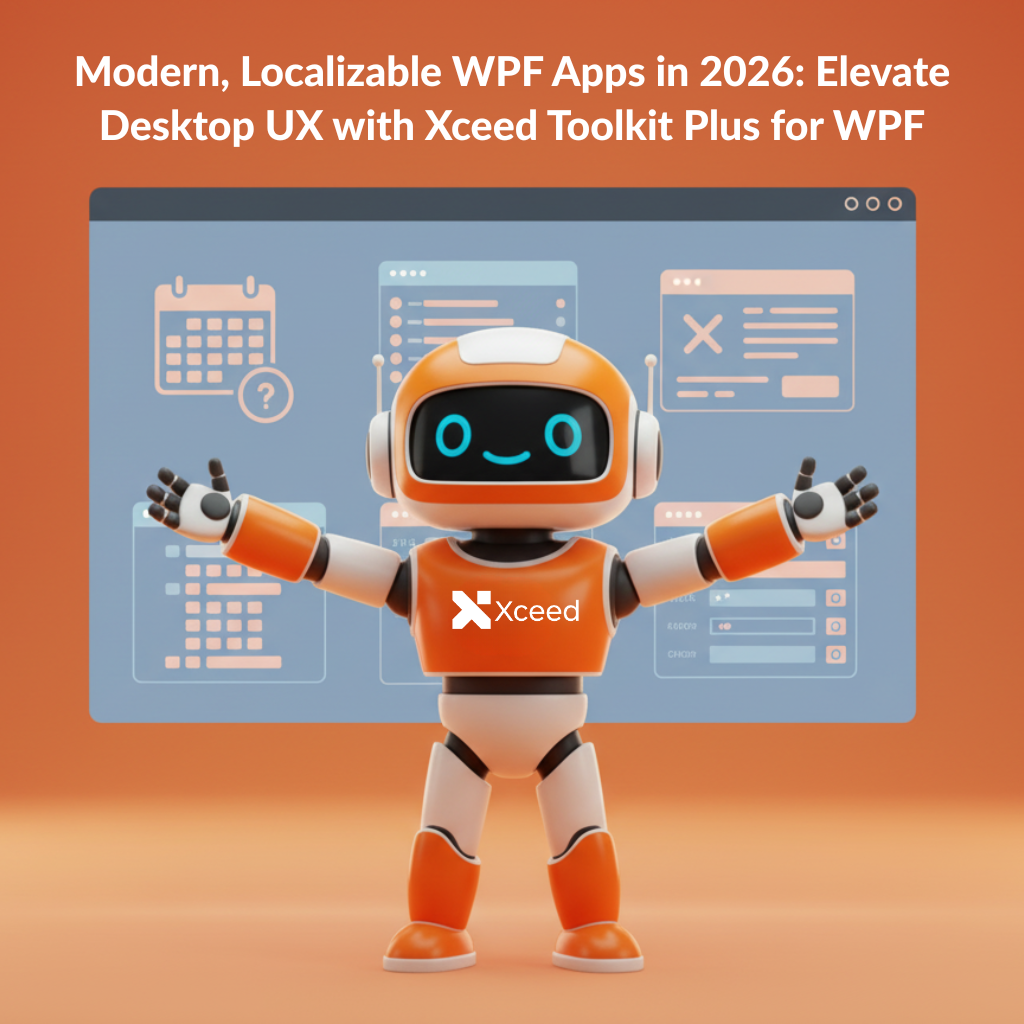
La biblioteca de controles integrada de WPF no ha crecido desde 2010. Xceed Toolkit Plus para WPF ofrece 103 controles —desde DateTimePicker hasta PropertyGrid y un marco de acoplamiento completo—, todos ejecutándose en .NET 10 sin dependencias.
Are you searching for the best zip/unzip library for .NET? Consider Zip for .NET an option that stands out for its flexibility, reliability, and maturity. Trusted by Microsoft and thousands of developers worldwide, this library benefits from over 18 years of continuous improvement. As a result, Zip for .NET delivers unmatched performance, advanced features, and true peace of mind for every .NET project. Whether you’re building enterprise applications, handling massive data archives, or simply need seamless file management, Zip for .NET fits the bill.
En 2026, WPF sigue siendo la columna vertebral de las robustas aplicaciones empresariales y de línea de negocio para Windows. Sin embargo, WPF, tal como viene de fábrica, carece de controles modernos, temas renovados y soporte de localización real. Como resultado, los desarrolladores se enfrentan a cuadros de diálogo MessageBox rígidos, interfaces de usuario anticuadas y soluciones alternativas que consumen mucho tiempo. Afortunadamente, Xceed Toolkit Plus para WPF resuelve estos desafíos al incorporar más de 103 controles, paneles y temas esenciales a su kit de herramientas. Esta actualización le permite ofrecer experiencias de Windows de próxima generación que son atractivas, accesibles y listas para ser globalizadas.
.Las herramientas de productividad para desarrolladores .NET son esenciales para los equipos que buscan entregar software de alta calidad rápidamente. La suite de herramientas de productividad para desarrolladores .NET de Xceed está diseñada para acelerar tu flujo de trabajo, mejorar el rendimiento y simplificar tareas complejas para que puedas concentrarte en crear excelentes aplicaciones.
Entregar componentes .NET confiables no se trata solo de escribir código de calidad, sino de realizar pruebas rigurosas y repetibles. En Xceed, nuestro proceso de aseguramiento de calidad (QA) está diseñado para garantizar que cada lanzamiento sea estable, de alto rendimiento y esté listo para su uso en producción. Aquí presentamos una mirada transparente a cómo probamos nuestras bibliotecas y controles antes de que lleguen a nuestros clientes.
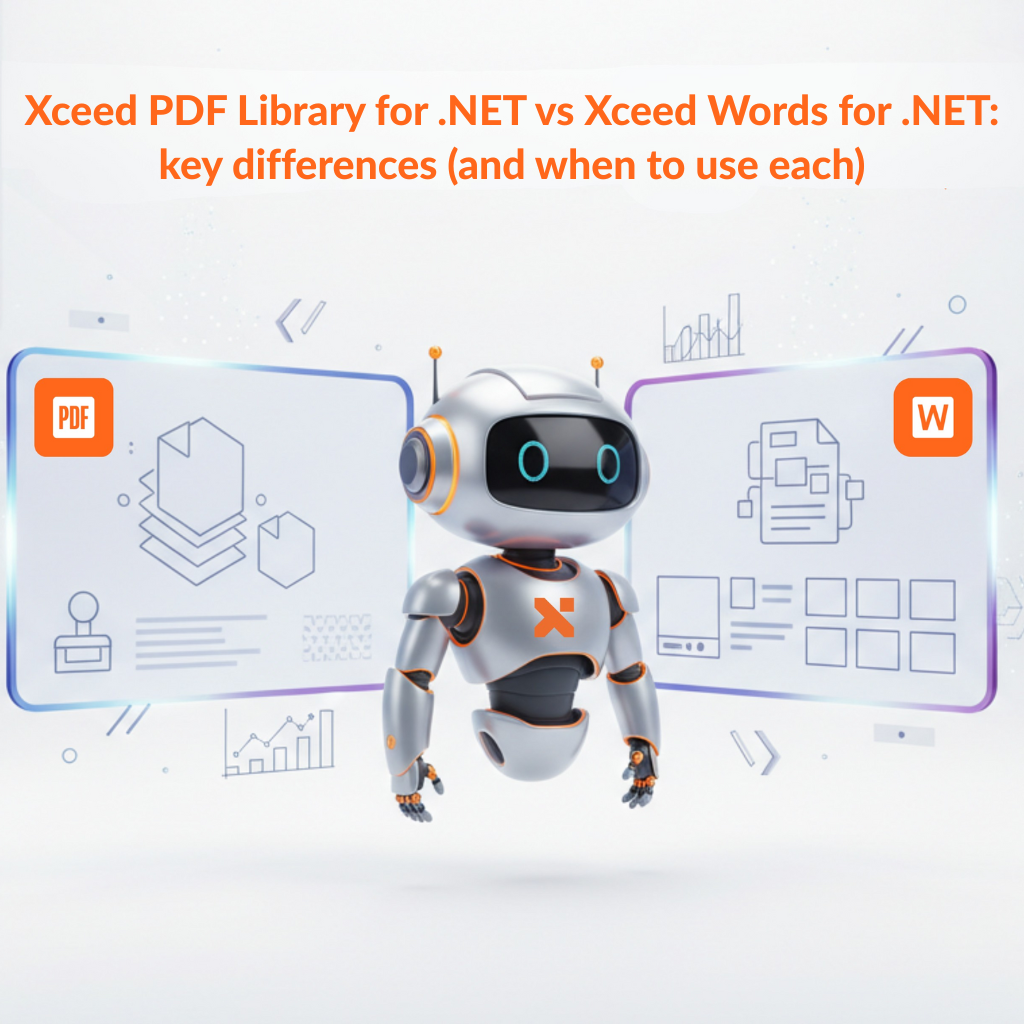
Si estás creando aplicaciones .NET que generan, editan o automatizan documentos, es fácil agrupar “Word” y “PDF” en la misma categoría. En la práctica, resuelven problemas diferentes.
Esta publicación detalla las diferencias prácticas entre Xceed PDF Library para .NET y Xceed Words para .NET, para que puedas elegir la herramienta correcta (o la combinación correcta) para tu flujo de trabajo.
Si creas aplicaciones .NET que necesitan generar PDFs profesionales (facturas, informes, contratos, paquetes de incorporación), probablemente hayas sentido la frustración: dependencias pesadas, APIs incómodas o bibliotecas “sencillas” que se complican en el momento en que necesitas formularios, firmas o tipografía consistente.
Xceed PDF Library para .NET es una forma completamente nueva y ligera de crear, editar, firmar y proteger documentos PDF directamente desde tus aplicaciones .NET.
El concepto es intencionalmente simple: una API fácil de usar que te permite agregar, modificar o extraer elementos de un archivo PDF sin luchar contra el framework.
Cuando tu aplicación WPF necesita renderizar cientos de miles o incluso más de 1 millón de filas, la mayoría de las cuadrículas empiezan a fallar. El desplazamiento se entrecorta, la interfaz de usuario se congela y los usuarios pierden la confianza en la aplicación.
En esta guía, te mostraremos cómo renderizar 1,000,000 de filas en WPF sin congelar la interfaz de usuario usando Xceed DataGrid para WPF. Compararemos una cuadrícula WPF ingenua con Xceed DataGrid con virtualización de datos asíncrona, mostraremos un benchmark simple y te daremos código que puedes incorporar en tu propia aplicación.
Echa un vistazo a la biblioteca de palabras y PDF de Xceed paquete